From Chatbot to Autonomous Agent: What's Actually Different

26 years building and operating hosting infrastructure. Founded Remsys, a 60-person team that provided 24/7 server management to hosting providers and data centers worldwide. Built and ran dedicated server and VPS hosting companies. Agento applies that operational experience to AI agent hosting.
Table of Contents
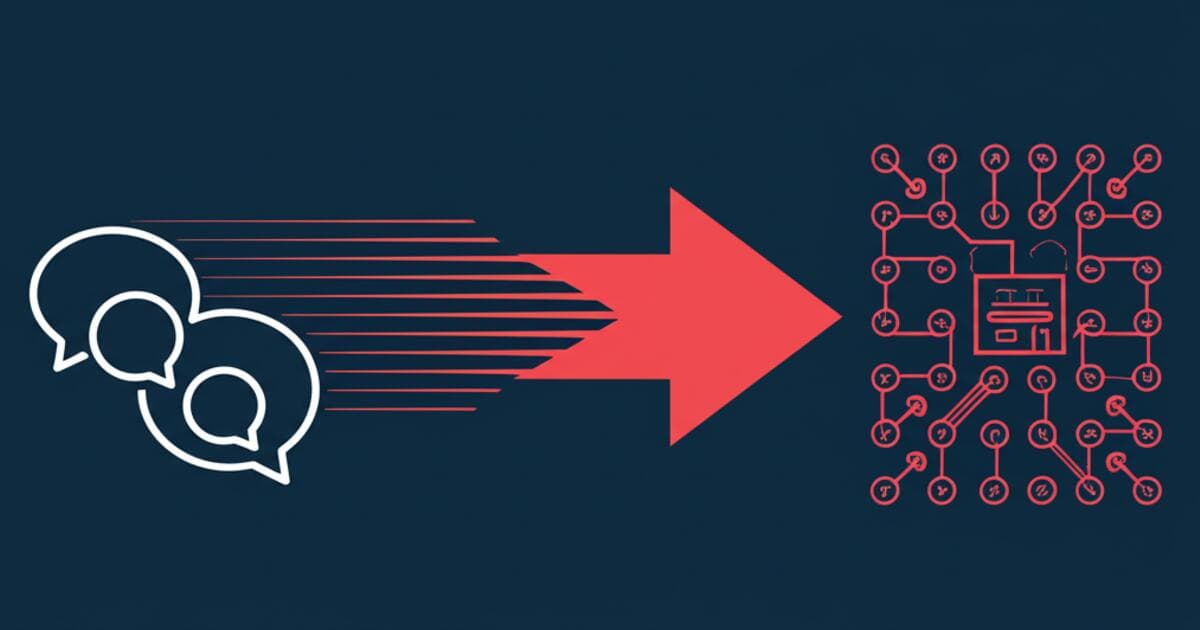
Every AI agent is a chatbot, but not every chatbot is an agent.
The terms get used interchangeably—marketing departments love calling everything an "AI agent" now—but they describe fundamentally different things. Understanding the distinction matters because it shapes your expectations, the capabilities you can rely on, and the infrastructure required to run them.
A chatbot answers questions. An agent gets things done.
This article breaks down the five key differences between chatbots and AI agents, with concrete examples of each. By the end, you'll know exactly which one you need and why the infrastructure requirements are so different.
The One-Sentence Difference
Chatbot: Responds to what you say, then forgets.
Agent: Remembers, acts, and sometimes initiates.
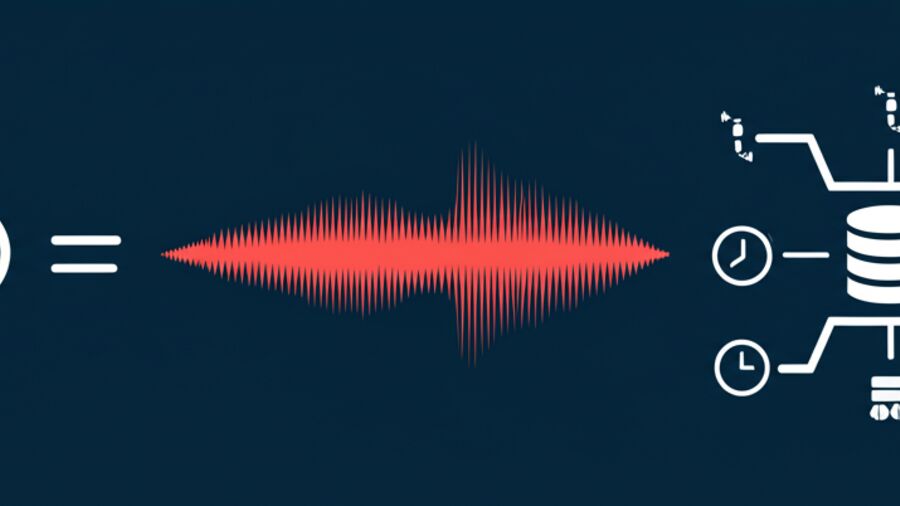
Here's a simple mental model:
-
A chatbot is like a customer service rep reading from a script. They answer your question, but they don't know who you are, what you asked last time, or what you might need next.
-
An agent is like a personal assistant who knows your preferences, has access to your calendar, and might text you before you even ask: "Your flight got delayed—I've already rebooked your connection."
Same underlying technology (large language models), completely different experience.
Difference #1: Memory
Chatbots: Goldfish Memory
Traditional chatbots treat every conversation as a fresh start. They have session memory—they remember what you said five messages ago—but the moment you close the chat or start a new session, everything resets.
This leads to the frustration everyone has experienced:
- "I already told you my order number"
- "We discussed this yesterday"
- "Why are you asking my name again?"
The chatbot isn't being difficult. It literally doesn't remember. Each conversation exists in isolation.
Example: A support chatbot asks for your account email every single time you open a ticket, even though you've contacted them twenty times this month.
Agents: Persistent Memory
Agents remember across sessions, days, weeks, and months. They build understanding over time through persistent storage—files, databases, or memory APIs that survive beyond any single conversation.
This changes everything:
- "You mentioned last week you were switching to TypeScript—how's that going?"
- "Based on your timezone, I'll schedule this for your morning, not mine"
- "I know you prefer bullet points over paragraphs"
Example: Your agent remembers that you're lactose intolerant, prefer window seats, and hate meetings before 10 AM. It applies this knowledge automatically, without you repeating yourself.
Why It Matters
Agents get more useful over time. The more you interact, the more context they accumulate. A chatbot on day 100 is identical to a chatbot on day 1. An agent on day 100 knows your preferences, your projects, your patterns.
This is the foundation that makes everything else possible.
Difference #2: Tool Use
Chatbots: Words Only
Chatbots can only respond with text. They're articulate, sometimes impressively so, but they can't do anything.
Ask a chatbot to add something to your calendar and you'll get:
"I can't actually access your calendar, but here's how you can add an event in Google Calendar: Click the + button, enter the title..."
Helpful information. But you still have to do the work yourself.
Agents: Actions, Not Just Words
Agents have tools—the ability to execute code, call APIs, read and write files, browse the web, and interact with external systems.
Ask an agent to add something to your calendar:
"Done. I've added 'Team sync' to your calendar for Tuesday at 2 PM. I also sent calendar invites to the three people you usually meet with."
The difference isn't intelligence. It's capability.
Common Agent Tools
- File system: Read, write, and edit files
- Web browsing: Search, fetch pages, extract information
- API calls: Slack messages, email, calendar events, CRM updates
- Code execution: Run scripts, process data, generate outputs
- Database queries: Look up records, update entries
The Power Shift
Chatbots tell you what to do. Agents do it for you.
This is a fundamental shift in how AI provides value. Instead of being a knowledgeable advisor you have to act on, an agent becomes a capable worker that handles tasks end-to-end.
Example: "I've checked your CRM—the lead hasn't responded in 3 days. I drafted a follow-up email based on your previous conversation. Want me to send it, or would you like to edit first?"
That's not a chatbot. That's an agent.
Difference #3: Autonomy
Chatbots: Purely Reactive
Chatbots wait. They sit idle until a user sends a message, then they respond. Once they've responded, they go back to waiting.
There's no initiative. No monitoring. No scheduled check-ins. The chatbot only exists in the moment between your question and its answer.
Example: A support chatbot will never proactively reach out to say "Hey, I noticed you had trouble with that feature yesterday—here's a tip that might help."
Agents: Proactive Capability
Agents can initiate actions without being prompted. They can run on schedules, monitor conditions, and reach out when something matters.
This is the "heartbeat" pattern:
- Agent wakes on schedule (hourly, daily, whatever you configure)
- Checks conditions (time, state, external systems)
- Takes actions or reports findings
- Goes back to sleep
Example: "I noticed the build failed at 3 AM. Here's the error log and a suggested fix. I've also created a draft PR with the change—want me to open it?"
The Autonomy Spectrum
Autonomy isn't binary. It's a spectrum:

| Level | Behavior | Example |
|---|---|---|
| 0 | Respond only | Basic FAQ chatbot |
| 1 | Suggest actions | "Would you like me to schedule that?" |
| 2 | Act with approval | "I'll send the email in 10 minutes unless you stop me" |
| 3 | Act independently | Scheduled daily reports, automated monitoring |
| 4 | Full autonomy | Self-directed goal pursuit |
Most production agents today operate at levels 1-3. They can act independently on routine tasks while asking for approval on anything significant.
Level 4—full autonomy with self-directed goal pursuit—is emerging but raises important questions about trust, oversight, and control. We're not quite there yet for most use cases.
Difference #4: Multi-Channel Presence
Chatbots: Single Surface
A typical chatbot lives in one place. It's the widget on a website, the bot in a Slack channel, or the assistant in an app. Each instance is isolated.
If you talk to the website chatbot and then open the mobile app, you're starting over. There's no unified identity.
Example: Intercom bot on your website. It's helpful, but it only exists there. Your conversation doesn't follow you anywhere.
Agents: Omnichannel Identity
Agents can maintain a single identity across multiple channels. Same agent in Telegram, Slack, email, and SMS. Same memory, same personality, same context.
You can start a conversation on Telegram during your commute, continue it in Slack when you get to work, and pick it up again via email that evening. The agent doesn't care which channel you're using—it knows who you are and what you've been discussing.
Example: Message your agent on Telegram: "Remind me to call mom tomorrow." The next day, the reminder comes via Slack because that's where you're active. Same agent, different channel, seamless experience.
Why Multi-Channel Matters
- Meet users where they are: Some people live in Slack, others in Telegram, others in email
- Context travels: No need to re-explain when switching channels
- One agent, many interfaces: Maintain a single source of truth
Channels Agents Can Use
- Messaging: Telegram, Slack, Discord, WhatsApp
- Email: Gmail, Outlook integration
- Voice: Phone calls, smart speakers
- Custom: API endpoints, webhooks, embedded widgets
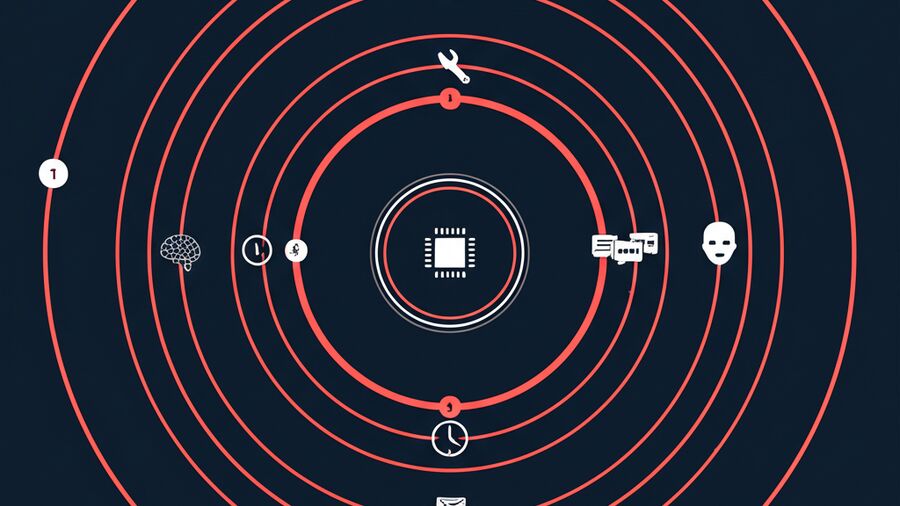
The agent is the brain. Channels are just different ways to talk to it.
Difference #5: Identity & Personality
Chatbots: Generic or Scripted
Most chatbots sound the same. "Hi! I'm your helpful assistant. How can I help you today?" They have a persona, but it's defined by the business, not customizable by the user.
Every bank chatbot sounds identical. Every support bot has the same chipper, slightly robotic tone. The personality is a thin veneer over the same underlying responses.
Example: Try five different e-commerce support chatbots. They'll feel interchangeable.
Agents: Customizable Persona
Agents can have genuine personality—defined through configuration files that shape how they communicate, what they prioritize, and how they behave.
OpenClaw uses a file-based approach:
- SOUL.md: How the agent behaves (concise vs verbose, formal vs casual, when to ask vs assume)
- IDENTITY.md: Who the agent is (name, vibe, emoji)
- USER.md: Who you are (timezone, preferences, goals)
Example: "Anton" is a sharp, resourceful navigator who keeps replies concise and asks clarifying questions rather than making assumptions. That's not a generic chatbot—it's a defined persona that shapes every interaction.
Why It Matters
A distinct identity builds relationship. You're not talking to "the AI"—you're talking to your agent, with its specific personality and your shared history.
Over time, this creates something closer to collaboration than query-response.
Summary: Chatbot vs Agent
| Aspect | Chatbot | Agent |
|---|---|---|
| Memory | Session only | Persistent across sessions |
| Actions | Text responses only | Tools, APIs, code execution |
| Initiative | Reactive only | Can be proactive |
| Channels | Usually single | Multi-channel presence |
| Identity | Generic/scripted | Customizable persona |
| State | Stateless | Stateful |
| Learning | None | Improves over time |
When to Use Each
Use a Chatbot When:
- Simple FAQ scenarios: "What are your hours?" "How do I reset my password?"
- High volume, low complexity: Handling thousands of routine queries
- No personalization needed: Same answer works for everyone
- Cost is the primary concern: Chatbots are cheaper to run
- No action required: Information only, no need to do anything
Example: A website widget answering "What's your return policy?" doesn't need persistent memory or tool access. A chatbot is perfect.
Use an Agent When:
- Ongoing relationship: The same user interacts repeatedly over time
- Complex, multi-step tasks: Things that require planning and execution
- Personalization matters: Different users need different responses
- Proactive assistance: Reminders, monitoring, scheduled tasks
- Integration with systems: Calendar, email, CRM, databases
Example: A personal assistant that manages your schedule, drafts emails, monitors your projects, and learns your preferences over time. That's an agent.
The Migration Path
Many start with chatbots and evolve to agents as needs grow. The FAQ bot becomes a support agent. The simple assistant becomes a proactive helper.
But the infrastructure requirements are different—you can't just "upgrade" a chatbot to an agent. Agents need persistent storage, scheduling systems, tool sandboxes, and multi-channel routing. It's a different architecture.
The Infrastructure Gap
Chatbots Are Simple to Host
Stateless systems are easy:
- No persistence needed between requests
- Standard web hosting works fine
- Scale horizontally by adding more instances
- Any serverless platform can run them
Agents Require More
Agents are stateful, proactive, and connected:
- Persistent memory storage: Files or databases that survive across sessions
- Scheduled task execution: Cron-like heartbeat for proactive behavior
- Tool sandboxing: Secure execution of code and API calls
- Multi-channel routing: Messages from Telegram, Slack, email all reaching the same agent
- Session management: Maintaining context across devices and channels
This is why "AI agent hosting" exists as a category. Traditional hosting wasn't built for stateful, proactive, multi-channel AI. Agents need specialized infrastructure.
You can build this yourself—VPS, cron jobs, message queues, database, authentication. But it's significant engineering work, and maintaining it is ongoing overhead.
Agento's Approach
Agento is purpose-built for agents, not adapted from chatbot infrastructure:
- Memory: Persistent storage with our own RAG system, included free
- Heartbeat: Scheduled tasks without managing cron
- Tools: Secure execution environment
- Channels: Telegram, Slack, Discord, email—all routed to your agent
- Identity: Your SOUL.md, IDENTITY.md, USER.md—just upload and run
You define the agent. We run the infrastructure that makes agents possible.
Conclusion
Chatbots and agents share underlying technology, but they're fundamentally different in what they can do:
- Memory: Agents remember; chatbots forget
- Tools: Agents act; chatbots advise
- Autonomy: Agents initiate; chatbots wait
- Channels: Agents are everywhere; chatbots are somewhere
- Identity: Agents have personality; chatbots have scripts
The distinction isn't marketing fluff. It reflects real differences in capability and infrastructure requirements.
If you want something that answers questions, a chatbot works. If you want something that remembers, learns, acts, and grows with you over time—you want an agent.
Ready to move from chatbot to agent?
Agento handles the infrastructure that makes agents possible: persistent memory, scheduled heartbeat, multi-channel routing, and secure tool execution. Your agent files, our platform, your time back.
Related reading: